Mermaid to PDF Converter
Export your Mermaid diagrams as PDF documents. Perfect for printing, formal documentation, and professional presentations.
Mermaid to PDF Converter
Write Mermaid code, then use the Export button to print/save as PDF
Example
Mermaid to PDF example
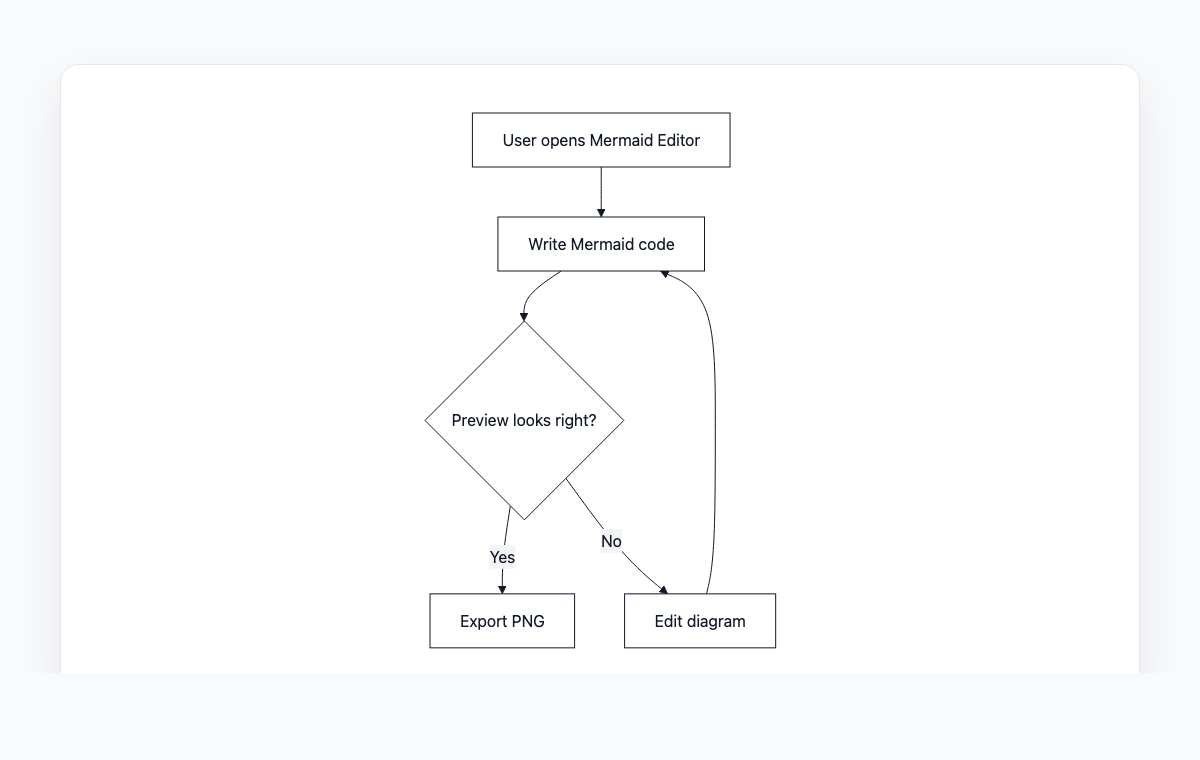
A simple Mermaid flowchart showing how code becomes a live preview and exportable PNG.
Mermaid code
graph TD
    A[User opens Mermaid Editor] --> B[Write Mermaid code]
    B --> C{Preview looks right?}
    C -- Yes --> D[Export PNG]
    C -- No --> E[Edit diagram]
    E --> B
How to Convert Mermaid to PDF
Write or paste your Mermaid diagram code in the editor
Preview the rendered diagram in real-time
Click the Export button and select PDF (Print)
Use the print dialog to save as PDF
Why Use PDF?
Universal Compatibility
PDF is supported on every operating system and device. Share diagrams with anyone, regardless of their platform.
Print Ready
PDF preserves exact layout and formatting for high-quality printing. Your diagrams will look identical on paper.
Professional Format
PDF is the standard format for business documents, reports, and formal documentation.
Self-Contained
PDF files embed all fonts and graphics. No missing images or broken layouts when sharing with others.
Frequently Asked Questions
How does the PDF export work?
The PDF export uses your browser's built-in print functionality. Click Export, select PDF, and use the print dialog's 'Save as PDF' option to generate the file.
Can I control the page size?
Yes, the print dialog allows you to select page size (A4, Letter, etc.), orientation (portrait/landscape), and margins.
Will the PDF quality be good for printing?
Yes, the diagram is rendered at high resolution before being sent to the print dialog, ensuring crisp output on paper.